Task and Workflow Automations
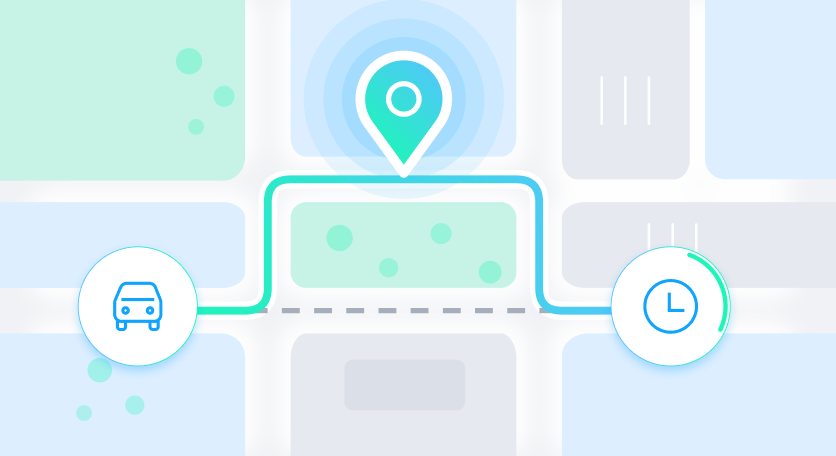
Built for fleets that operate under tight KPI commitments and for operations teams, Task and Workflow Automation support event-based triggers that automatically run the next best action when conditions change. When something shifts (delay risk, missed time window, vehicle return, a malfunction, or an X number of tasks we completed), Autofleet can immediately trigger the right workflow to keep execution aligned with targets.
Key Benefits of Task and Workflow Automations
Workflow automation turns operational best practices into consistent, measurable execution. Instead of relying on individuals to notice e events and remember what to do next, the system automatically enforces the playbook, protecting service quality while reducing workload.

Fewer missed KPIs
Automations trigger the moment risk appears (late ETAs, low battery state, late maintenance), so teams act earlier and avoid cascading failures

Lower operational costs:
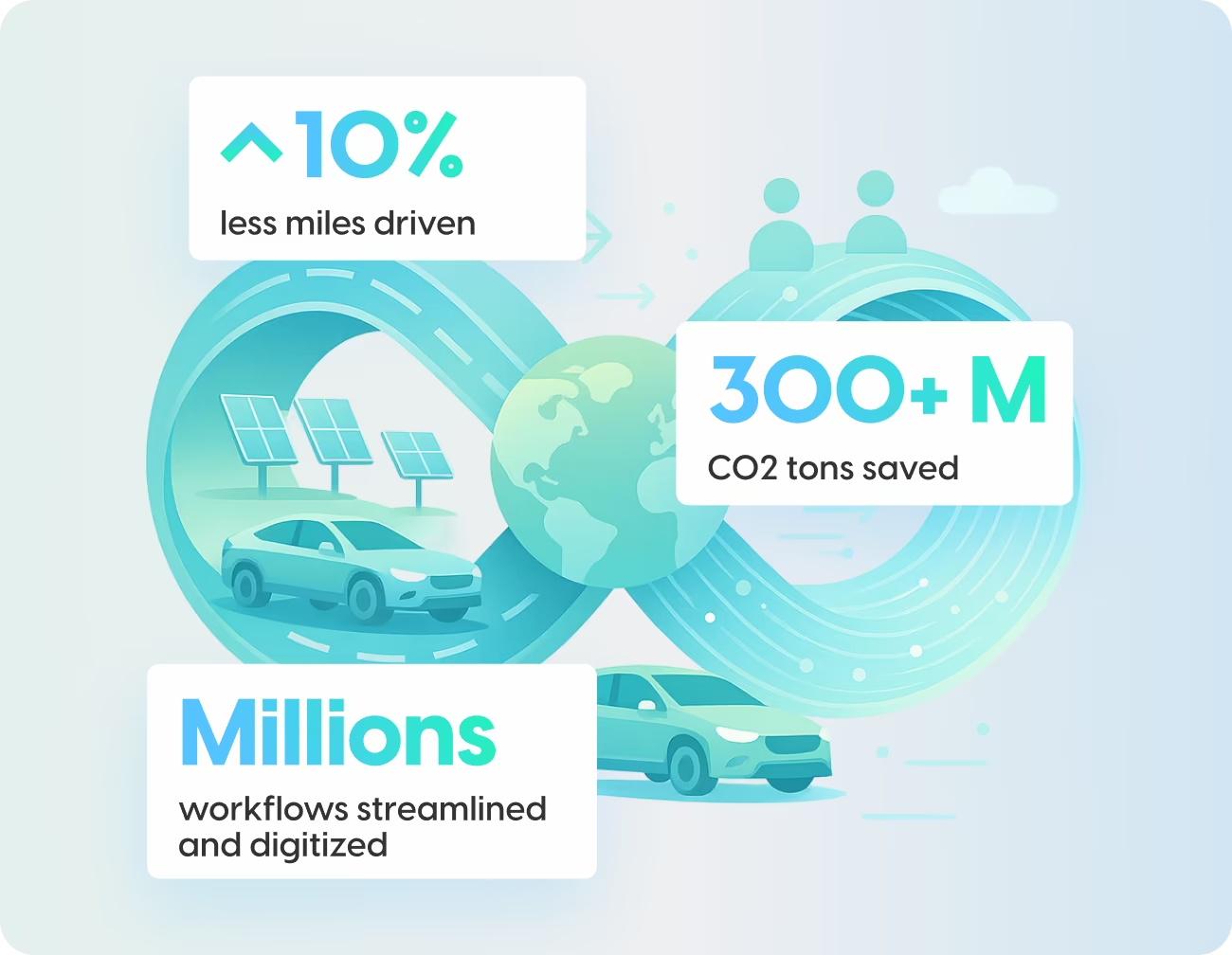
Less manual checking, fewer last-minute changes and unplanned disruptions, and faster resolution reduce waste, save time, and improve overall TCO

Reduce workload:
Automate repetitive routine tasks, freeing operations teams to focus on high-impact decisions and strategic planning.

Consistent, auditable execution:
Standard workflows run the same way every time, creating cleaner operational discipline and easier performance analysis.
How Task and Workflow Automations Work
Map the tasks you want to automate
Start by identifying the operational tasks that consistently occur in your day-to-day execution, especially those that are repetitive, time-sensitive, and follow a set response. Focus on tasks that depend on people noticing issues and reacting fast. This is the foundation: once you map what matters operationally, you can automate responses consistently, and at scale.
Set constraints and guardrails
Before automations run actions, define the operational constraints that should always be respected. This includes service constraints such as time windows, SLA/OTP targets, dispatch policies, and priority handling; Fleet constraints; Workflow constraints, including actions that require human approval and business rules reflecting your specific organization.
Define triggers and the workflow response
For each mapped task, decide which events should kick off an automation and what should happen next. The goal is to codify “when X happens, do Y” so your operation reacts the same way every time, without relying on manual monitoring. Ensure you have an audit trail and that a human is in the loop to tackle exceptions and complex decisions.
Monitor outcomes and improve continuously
As automations run, you can measure how they affect SLA performance, cost, and operational workload—then tune triggers and constraints to better match real-world execution patterns.


How Task and Workflow Automations Work With Other Autofleet Features
Task and Workflow Automations are designed to work as part of Autofleet’s end-to-end operations platform

Integration Hub
Real time responsive ride dispatching for any order, vehicle, or driver constraint offering infinite configurable business outcomes.

Control Center
Configure triggers, business rules, guardrails, approvals, and exception paths from Autofleet’s central operational hub. Teams can monitor active workflows, review recommended actions, and intervene only when human judgment is required.

Driver and Field Agent App
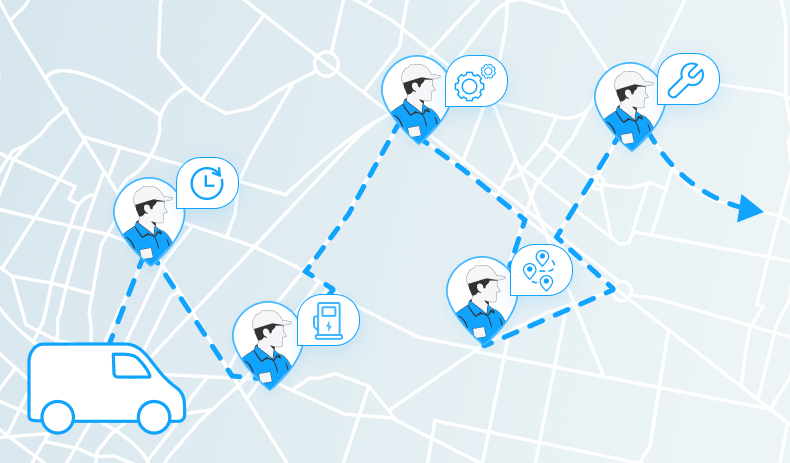
Automatically send tasks to the drivers and field agents responsible for completing them. Use drivers, field agents, and vendors as your sensors in the field, with updates and reports that automatically trigger advanced workflows.
Reporting, Analytics & Audit Trails
Capture every trigger, action, approval, manual override, and outcome in a searchable record and audit trail. Based on permissions, teams can connect automations to SLA, OTP, utilization, downtime, cost, and workload metrics, then refine thresholds and policies over time.
Trigger Types Used in Task and Workflow Automations
Triggers are highly customizable to any fleet and business logic, and include

Time-based triggers
Fire at a set time or after an interval elapses, e.g., daily 06:00 readiness checks, escalation when a vehicle sits "out of service" for 2 hours, or a feasibility check 30 minutes before a delivery window opens.
Event-based triggers
Fire when something happens in the real world or a connected system, a road closure re-routes vehicles and updates ETAs, severe weather re-sequences stops, a driver no-show rebalances workload, and an accident, critical DTC fault code, or breakdown pulls the vehicle and dispatches support.

KPI and threshold-based triggers
Fire when performance drifts, or risk rises, turning KPIs into action rather than a mere report. Examples include rising delay risk triggering reoptimization, higher cost per stop enforcing guardrails, and falling utilization or a repeat fault code triggering readiness or preventative maintenance.

Human-based triggers
Driven by human action, such as dispatch launching a planning workflow, operations starting an inspection cycle, or a client report triggering vehicle cleaning.
“Once you see what the operations are able to do when you optimize, it's an absolute no brainer.”

Our Latest Insights